
Closing the gap: AI agents that can show what they build
I stumbled across Simon Willison’s blog post about Showboat and Rodney recently, and it fundamentally changed how I work with web applications using autonomous agents. These tools let me simply ask Claude to preview my work, and it handles everything else. No pulling code locally, no deploying to an internal dev environment, no waiting for CI/CD pipelines.
The problem
AI agents can write code, but they can’t show you what they built. An agent can modify your HTML, CSS, and JavaScript, but it can’t capture a screenshot to demonstrate the result. It can start a development server, but it can’t verify the page rendered correctly. This creates a gap: agents can build, but they can’t prove their work or validate visual output.
The traditional workaround requires manual intervention. You open a browser, take screenshots yourself, and paste them back into the conversation. That breaks the autonomous workflow completely.
What Showboat and Rodney actually are
Showboat is a tool for documenting demos. It creates markdown documents with screenshots, command outputs, and narrative commentary.
Rodney is a CLI tool for Chrome automation. It controls a persistent headless Chrome instance, letting agents navigate pages, take screenshots, interact with elements, and extract content-all through simple command-line calls.
Both tools are designed to be agent-accessible. They have --help output that agents can read and understand, similar to how Claude Code skills work. The agent doesn’t need special integration-it just runs the commands and figures out how to use them.
How I actually use this
Here’s what happened when I asked Claude to preview this blog post:
Me: “Can you display what this blog post looks like using uvx rodney?”
Claude handled everything:
- Started Jekyll dev server on localhost
- Launched Rodney to control headless Chrome
- Navigated to the blog post URL
- Captured a screenshot
- Displayed it inline in our conversation
I didn’t specify which tools or how to use them. Claude figured out it needed Rodney for browser automation, ran rodney --help to understand the interface, and executed the right commands. That’s the key insight-these tools are designed for agents to discover and use autonomously.
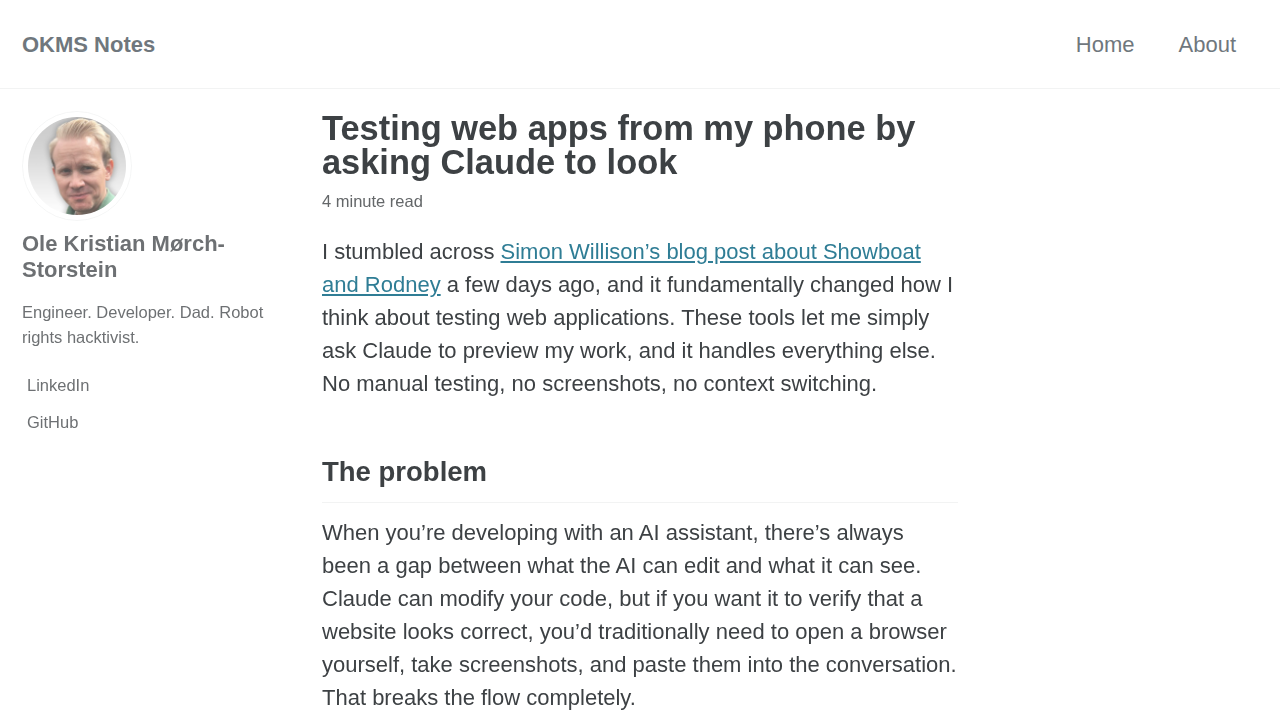 Here’s what this exact blog post looked like when Claude captured it. Meta, but it proves the point.
Testing from my phone
Because Claude Code on the web runs entirely in the browser, I can direct the work from my phone. My workflow now:
- Start the dev server on my laptop
- Open Claude Code on my phone
- Prompt Claude to make changes and capture screenshots
- Review the screenshots later on desktop
The phone app doesn’t display images yet, but I can still direct all the work from anywhere. I can ask Claude to test layouts, make adjustments, and document everything with screenshots. When I get back to my laptop, the visual record is already there waiting for me.
The conversational interface matters
What makes this powerful isn’t just that the tools exist-it’s that I can interact with them conversationally. I don’t think about commands or syntax. I just ask Claude to look at something, and it figures out the mechanics.
This is what “agent-accessible” means in practice. The tools expose themselves through help text, agents learn their interfaces autonomously, and users just… ask for what they want.
Building reproducible demos
Showboat takes this further. It’s not just about screenshots-it’s about building markdown documents that prove the work was done. When Claude uses Showboat, it creates a document with:
- Narrative explanation of what it’s doing
- Executable code blocks showing the commands
- Captured output demonstrating the results
This becomes reproducible proof of work. Someone else can run showboat verify and confirm that all the captured outputs still match. For agent-driven workflows, this is incredibly valuable.
Here’s a live example showing how I used Showboat to document previewing this very blog post with Rodney.
Credit where it’s due
All credit to Simon Willison for building these tools and writing about them so clearly. His work on making tools agent-accessible is exactly the kind of forward-thinking design that makes AI assistants genuinely useful rather than just impressive demos.
Try it yourself
If you’re using Claude Code on the web, just ask it to preview something. If Rodney is available (via uvx), Claude will figure it out. The whole point is that you don’t need to learn the tools-the AI does that for you.