Testing a Blog Post with Rodney
2026-02-16T21:00:57Z by Showboat 0.6.0
This demo shows how to use Rodney to preview a blog post during development. We’ll start a Jekyll server, then use Rodney to capture a screenshot of the blog post.
First, start the Jekyll development server:
LANG=C.UTF-8 LC_ALL=C.UTF-8 bundle exec jekyll serve --drafts --port 4000 > /dev/null 2>&1 &
Now use Rodney to navigate to the blog post and capture a screenshot:
uvx rodney open "http://127.0.0.1:4000/development/tools/testing-web-apps-from-my-phone-with-rodney-and-showboat/"
OKMS Notes
uvx rodney open "http://127.0.0.1:4000/2026/02/testing-web-apps-from-my-phone-with-rodney-and-showboat.html"
Testing web apps from my phone by asking Claude to look - OKMS Notes
uvx rodney screenshot /tmp/rodney-blog-screenshot.png
/tmp/rodney-blog-screenshot.png
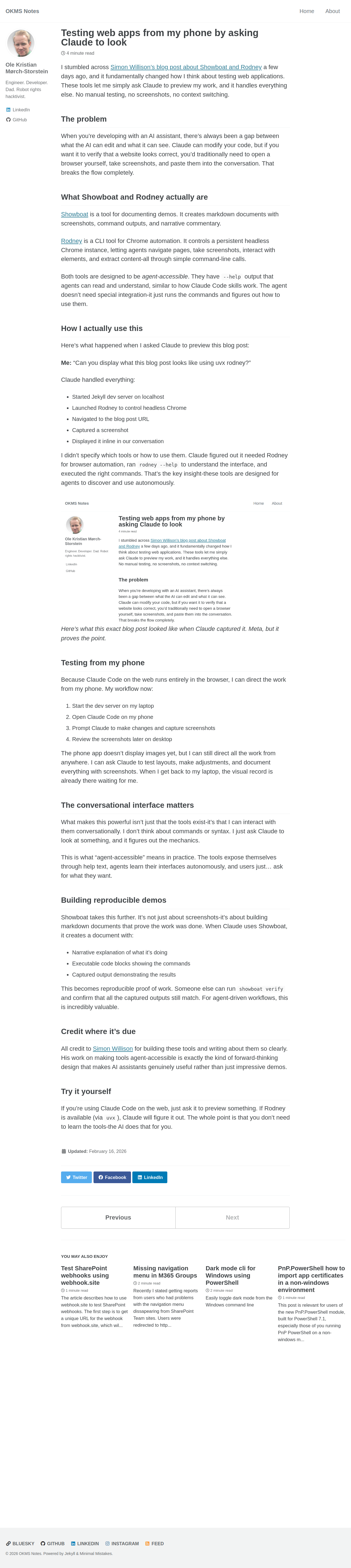
The screenshot shows the blog post rendered in the browser. Rodney captured it without requiring any manual intervention.
bash {image}